Running a cake business involves far more than baking and decorating. Every order starts with an enquiry, moves through design discussions and pricing, and ends with production, delivery, and payment. Managing all of this across messages, notes, spreadsheets, and memory quickly becomes difficult, especially as order volume grows.

SweetStream is built to give cake businesses a single, organised system to manage this entire process. It follows the natural lifecycle of a cake order and keeps everything connected, visible, and easy to manage.

This page explains how SweetStream works step by step, from first enquiry to completed order.

Designed around real cake business workflows

Cake businesses do not operate like sales teams or call centres. Orders are bespoke, dates are fixed, and capacity is limited. SweetStream is designed specifically for these realities.

Instead of forcing cake makers into generic CRM structures, SweetStream mirrors how cake orders actually happen. Each enquiry becomes a structured record. Each quote turns into a confirmed order. Each order is tracked through production, delivery, and completion.

The goal is simple. You should always know what work you have, when it is due, and what still needs attention.

A clear workflow from enquiry to delivery

SweetStream follows a straightforward workflow that matches how cake businesses operate. Each step flows into the next, without duplication or manual tracking.

Step 1

Capture cake enquiries in one place

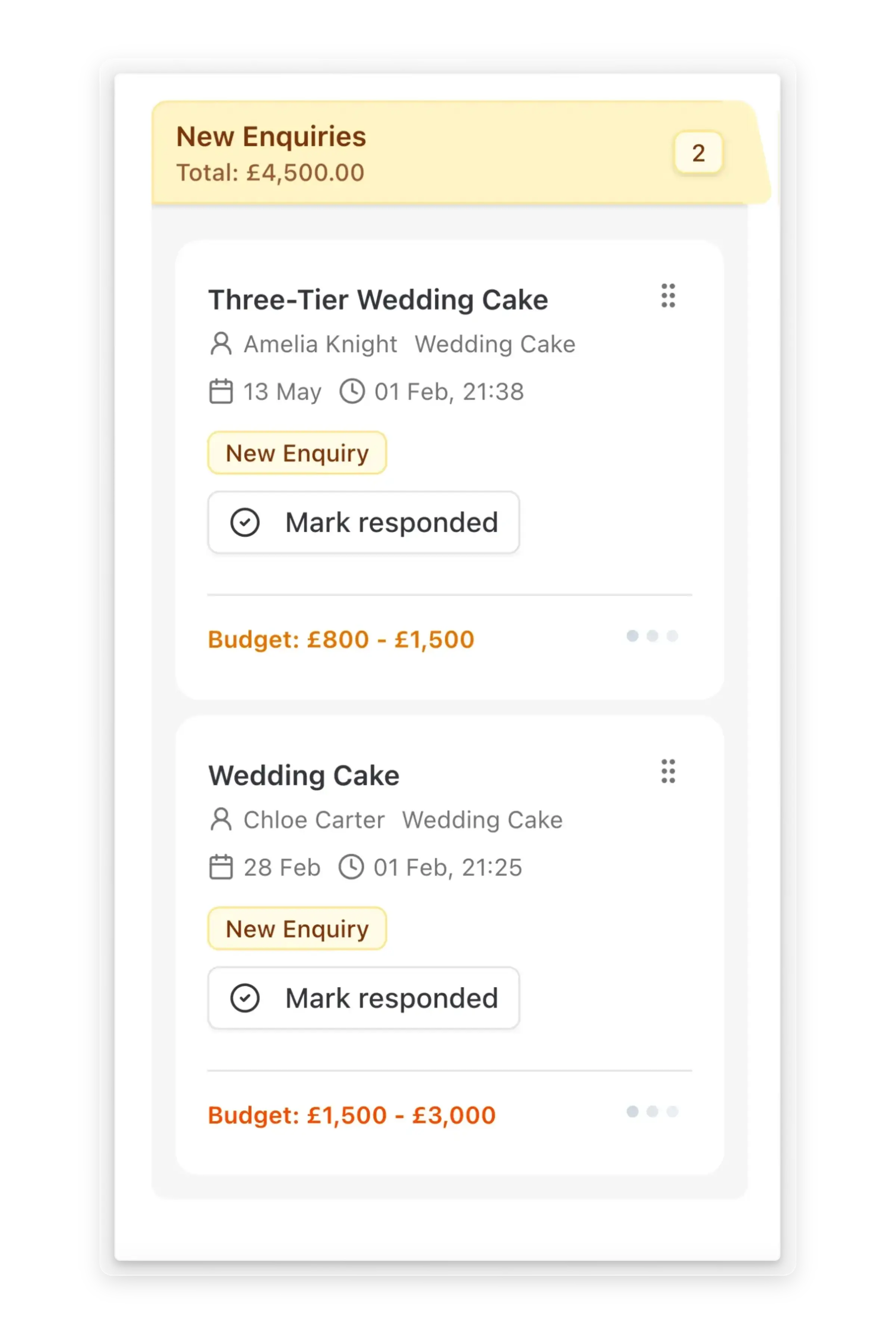
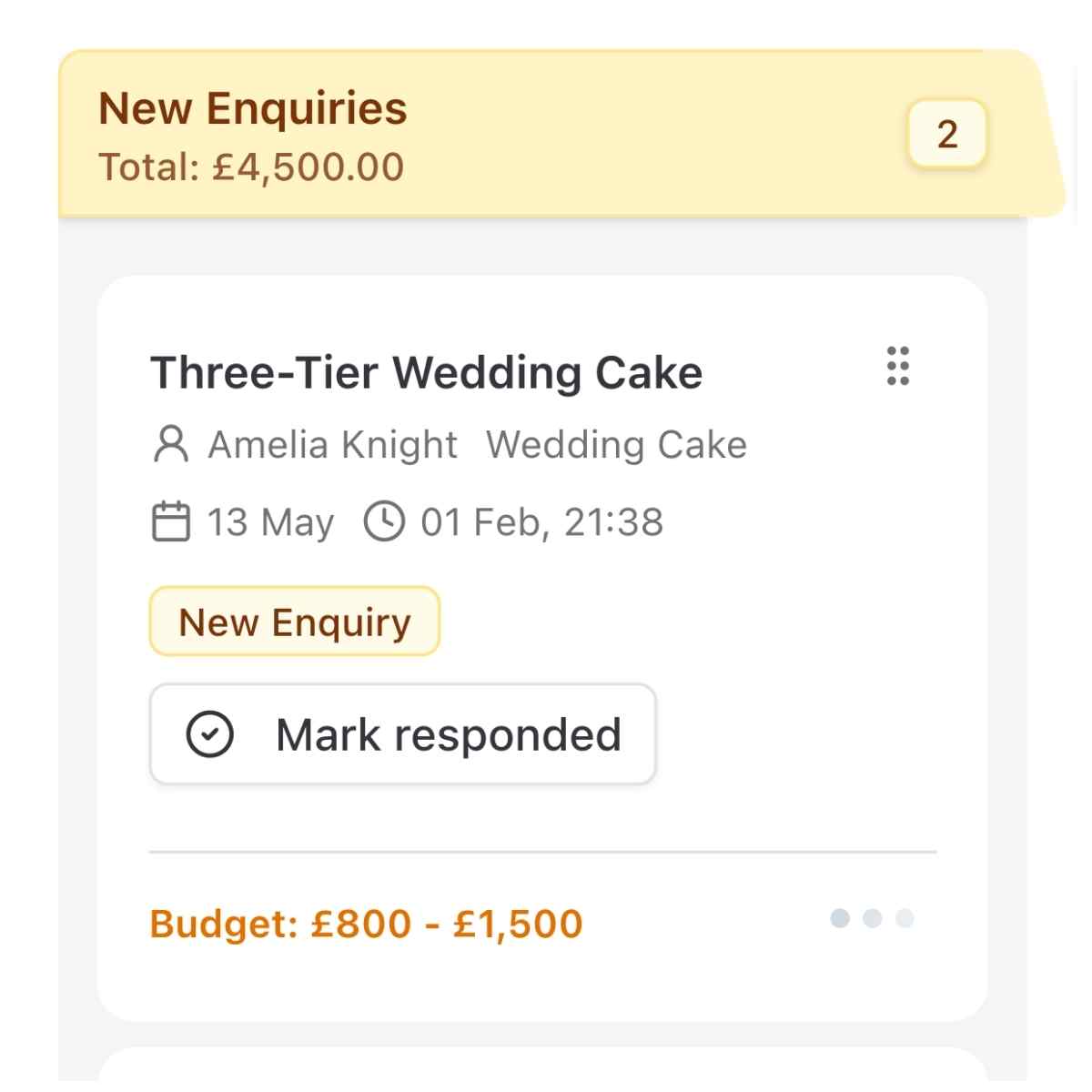
Every cake order begins with an enquiry from a message, phone call, or conversation. SweetStream gives you one place to record and manage all enquiries so nothing is missed.

Capture cake enquiries

Create an enquiry record with key details such as:

Client name and contact information
Event date and type
Cake requirements and notes
Budget expectations
Enquiry status

Once recorded, the enquiry stays visible until it is quoted, converted, or closed. See all active enquiries in one view to respond promptly, even during busy periods.

You can also add an enquiry form to your website so potential clients can submit requests directly. All submissions are received inside SweetStream, ready for you to review and respond.

Step 2

Create and send professional quotes

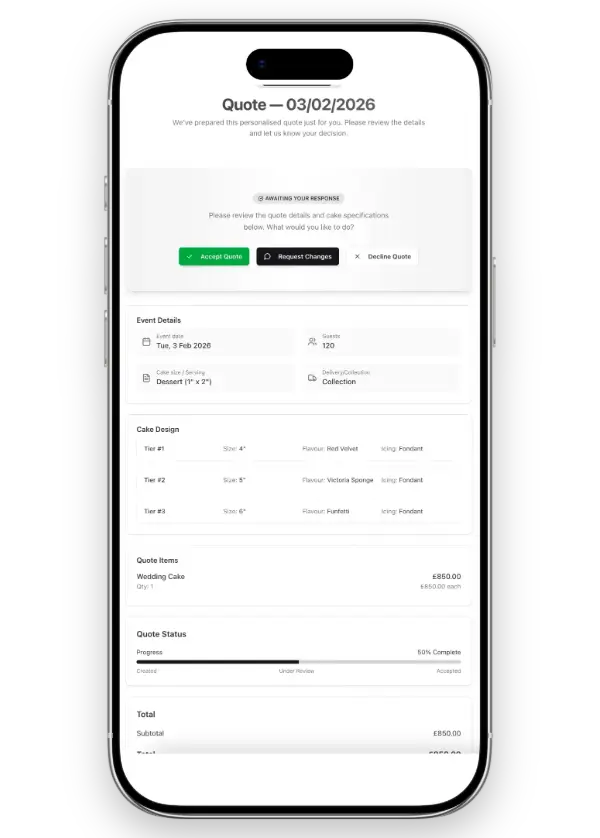
Turn enquiries into clear, structured quotes. Quotes are created directly from the enquiry so all relevant information is already available, and each quote stays linked to the original enquiry.

Create quotes

With SweetStream, you can:

Create structured quotes quickly
Send quotes to clients
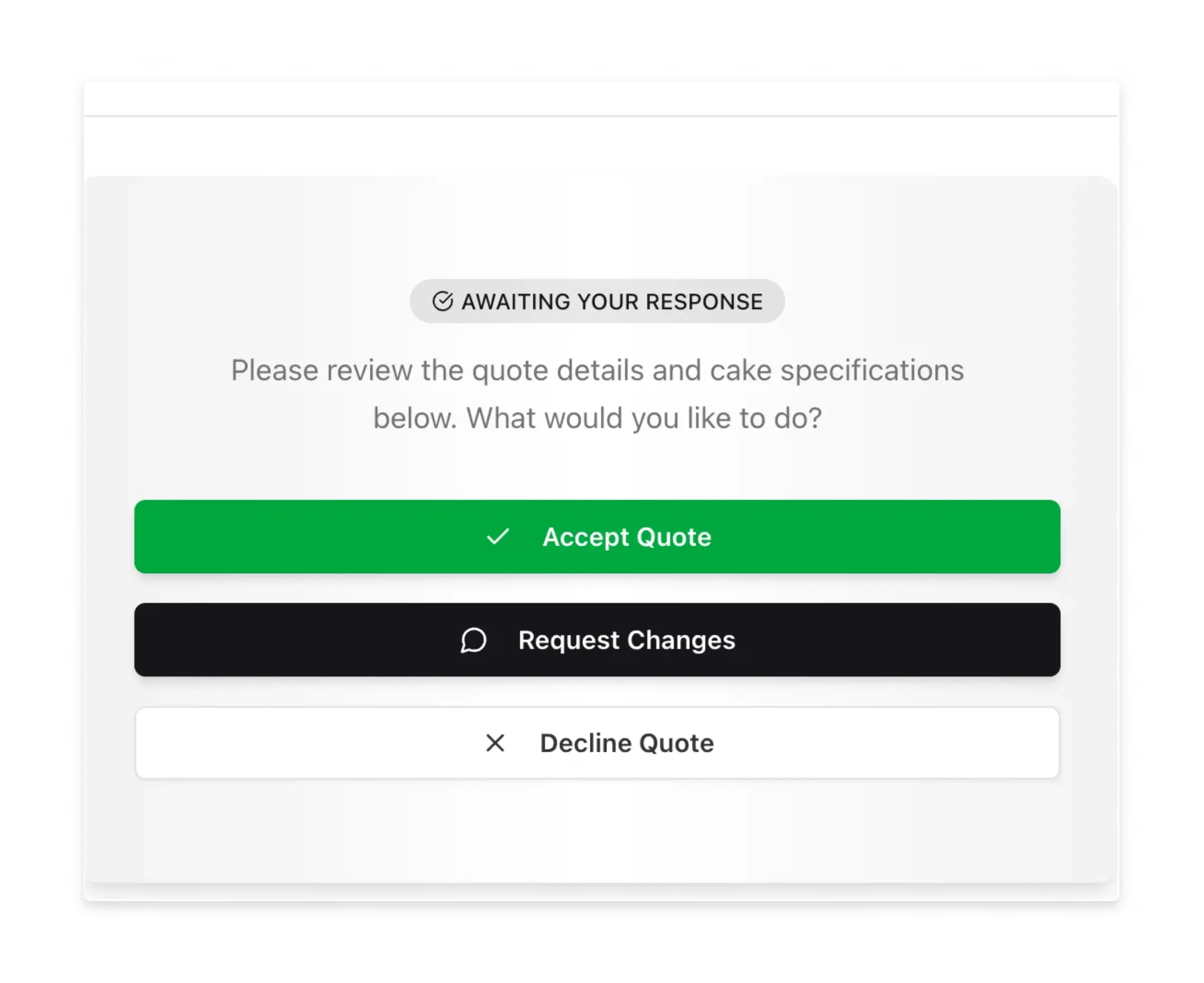
Track quote status such as sent, accepted, or declined

You always know which quotes are outstanding and which have been approved.

Step 3

Convert accepted quotes into confirmed orders

When a client accepts a quote, SweetStream turns it into a live order. Accepted quotes move into your order pipeline as confirmed work.

Convert quotes to orders

Each order includes:

Client and event details
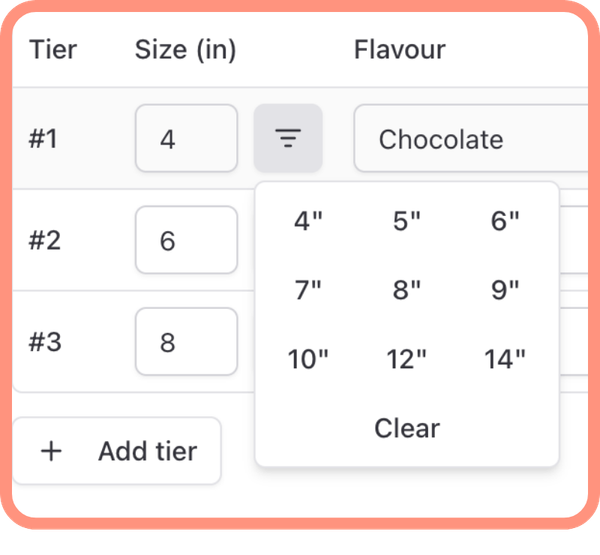
Cake specifications
Agreed pricing
Delivery or collection date
Payment status

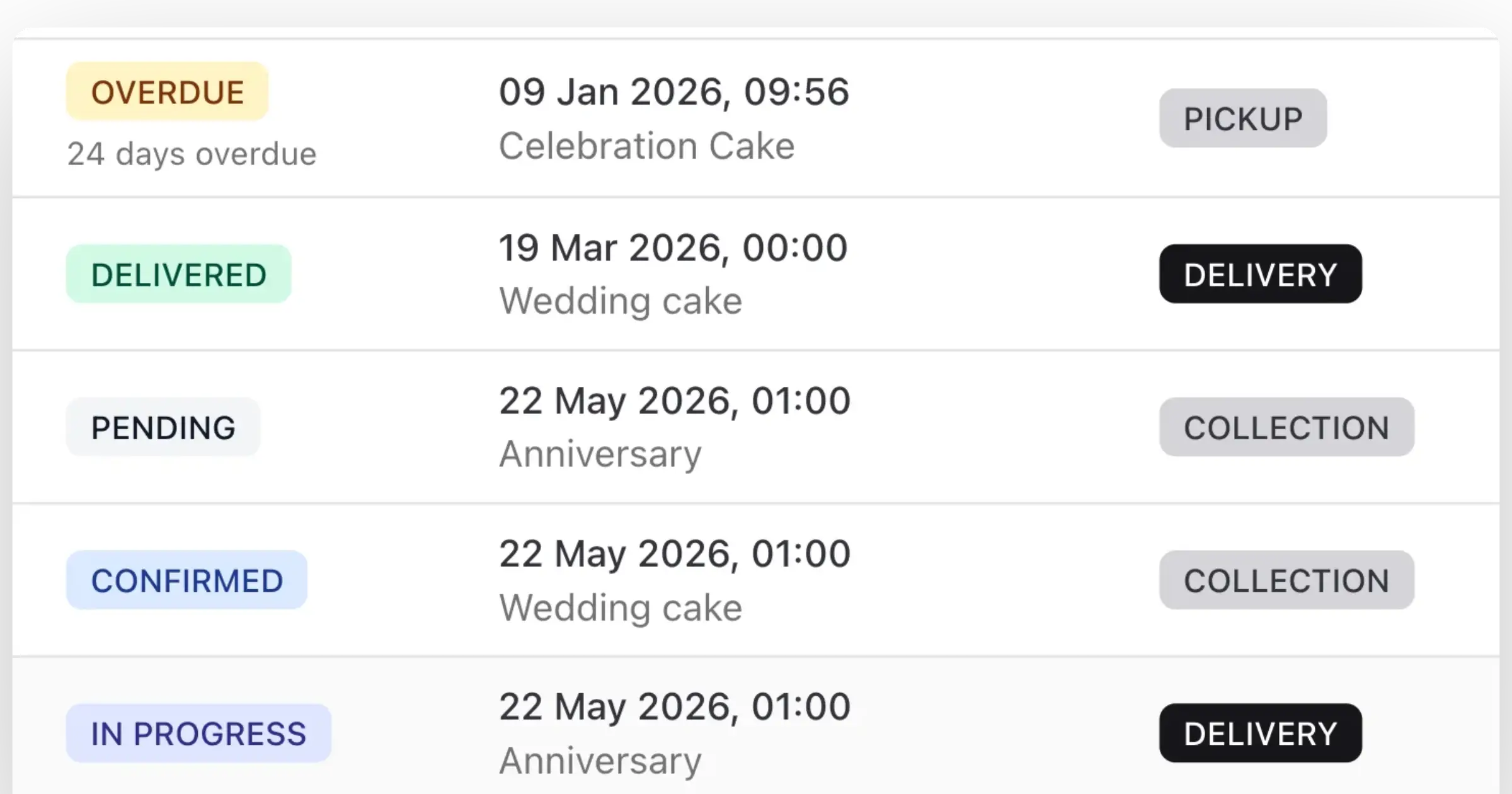
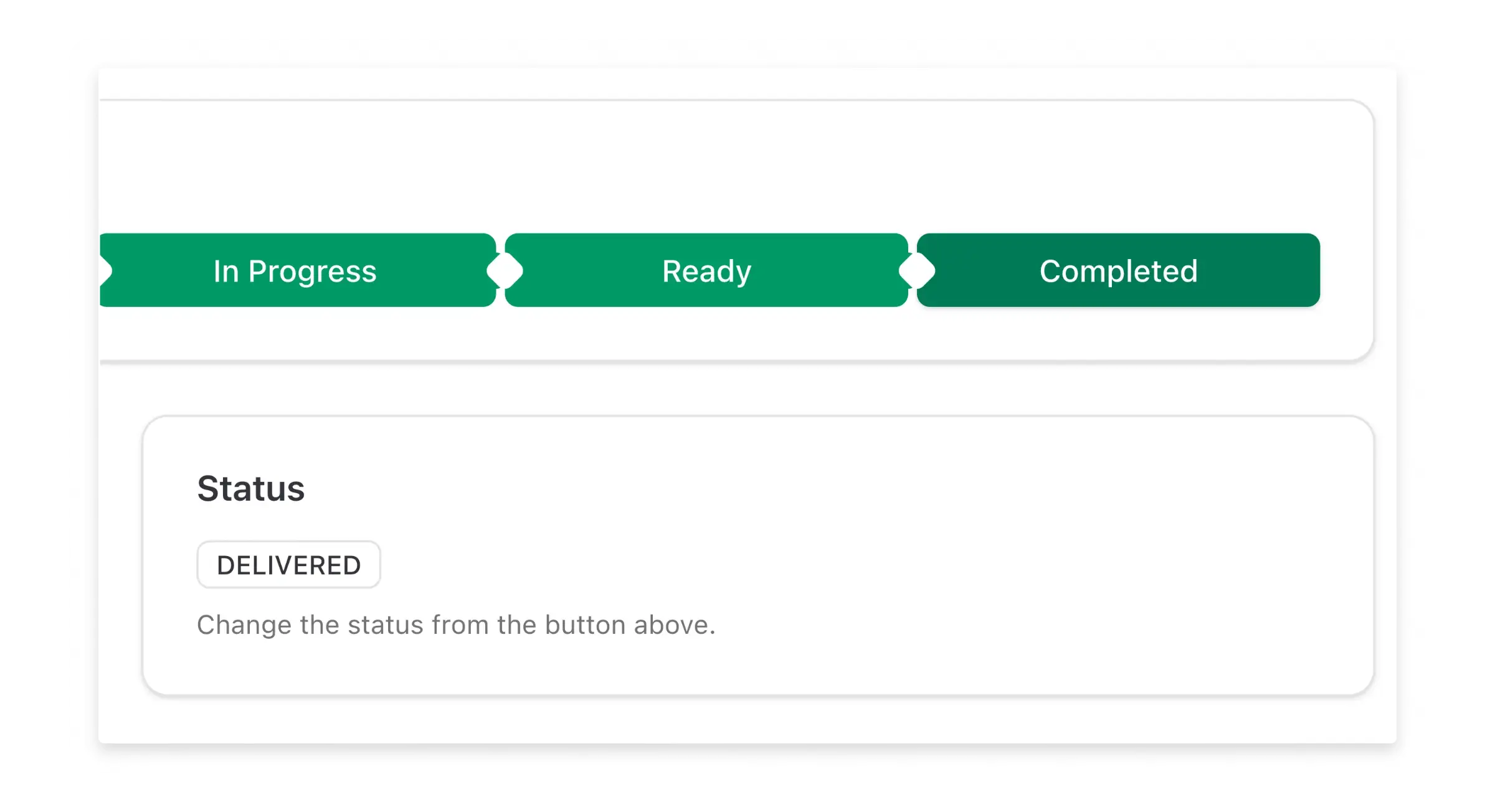
Orders are displayed in a clear pipeline view so you can see what stage each order is at, plan production, and track confirmed bookings.

Step 4

Plan production and manage delivery schedules

SweetStream gives you a clear view of upcoming orders so you can plan production time, delivery slots, and collection schedules accurately.

Plan production

You can:

View orders by date
Track production timelines
See delivery and collection schedules

Reduce the risk of overbooking and make informed decisions about capacity and availability.

Step 5

Track payments with confidence

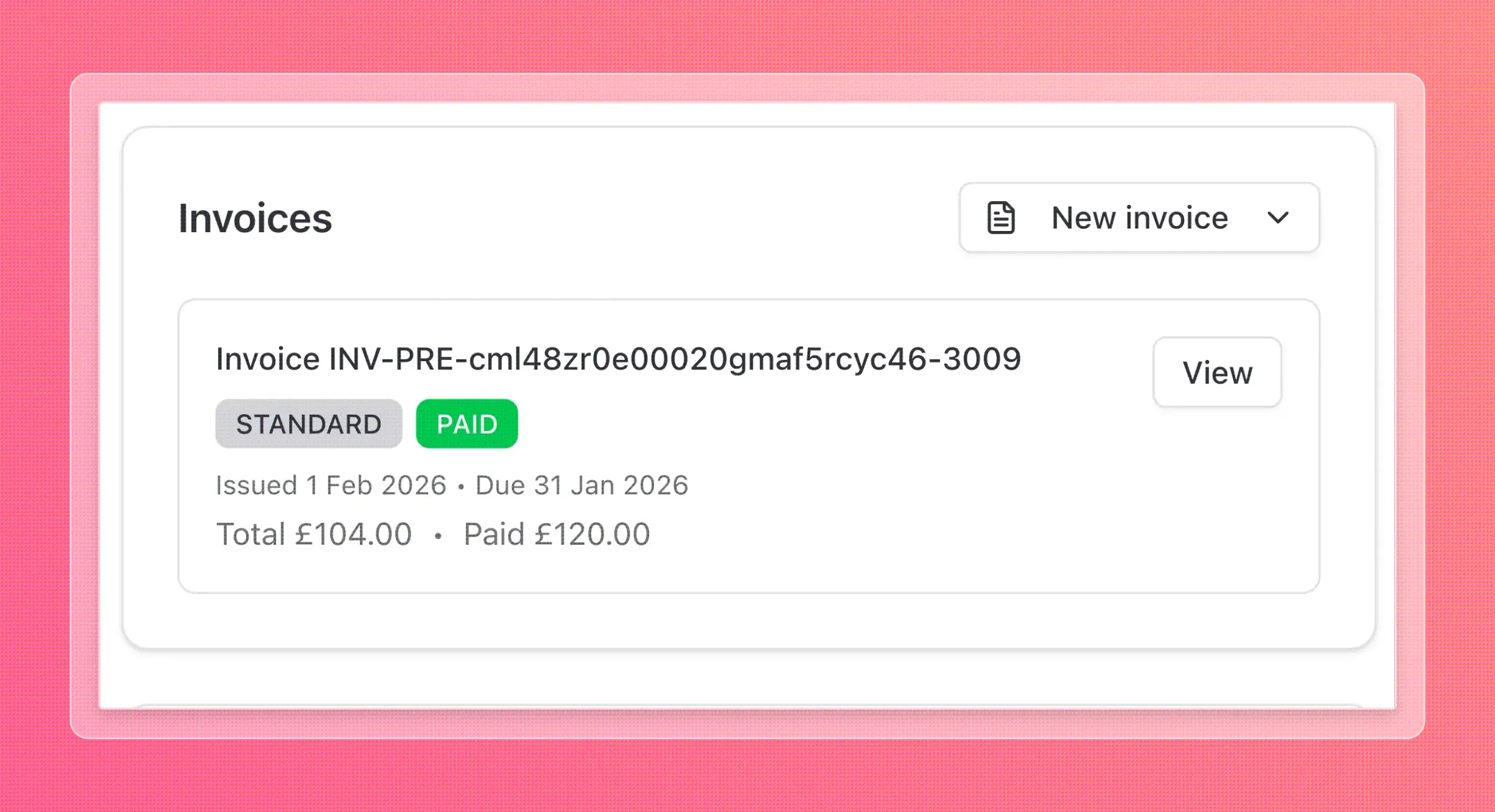
SweetStream keeps payment information connected to each order. Deposits, balances, and final payments are all tracked in one place.

Track payments

You can:

Track deposits and outstanding balances
See which orders are fully paid
Identify unpaid or overdue amounts

No need to cross-reference separate systems. Stay organised and ensure you are paid correctly and on time.

Step 6

Complete orders and keep a full history

Once an order is delivered and paid, mark it as finished. SweetStream keeps a full history of past work for easy reference.

Order history

Your order history includes:

Client details
Cake specifications
Pricing
Payment records
Delivery information

Easily reference previous orders, repeat designs, or respond to returning clients.

Built specifically for cake businesses

SweetStream is not a generic CRM adapted for creative work. It is built specifically for cake businesses and the way they operate.

Bespoke, one off orders

Every cake order is unique and tracked individually

Fixed event dates

Manage time-sensitive orders with clear deadlines

Limited production capacity

Plan ahead and avoid overbooking your schedule

Client communication and clarity

Keep all client interactions and decisions organised

SweetStream dashboard

Who SweetStream is designed for

SweetStream is suitable for a wide range of cake businesses, including:

Independent cake makers
Home based cake businesses
Cake studios and small teams
Wedding and celebration cake designers

Whether you manage a handful of orders each month or a busy weekly schedule, SweetStream adapts to your workflow.

SweetStream replaces scattered tools

What SweetStream replaces

Many cake businesses rely on a combination of tools to stay organised. While this works initially, it becomes difficult to manage as the business grows.

SweetStream replaces:

Spreadsheets
Notes and reminders
Multiple message apps
Manual tracking systems

By bringing everything into one system, you reduce duplication and the risk of mistakes.

Frequently asked questions

SweetStream guides each cake order through clear stages, from enquiry to completion. You can see where every order stands at a glance, helping you plan production and deliveries more effectively.

When you receive an enquiry, you can add it to SweetStream with customer details and requirements. The enquiry can then be converted into a quote and later into a confirmed order.

Yes. SweetStream allows you to create quotes and invoices directly from each cake order. This keeps pricing, payments, and order details connected.

Each cake order includes delivery or collection dates, helping you plan workloads and avoid clashes. Dates are always visible within the order view.

Yes. Order notes allow you to record important details such as flavours, designs, or customer preferences. Notes stay linked to the order so nothing gets lost.

By organising all cake orders in one system with clear stages and dates, SweetStream reduces the chance of forgetting an enquiry or missing a delivery.

Yes. SweetStream provides a central dashboard where you can see all active and completed cake orders.

Yes. On the Professional plan, team members can access shared orders, ensuring everyone stays aligned.

No. SweetStream is browser-based and works on desktop, tablet, and mobile devices without installation.

Most cake makers can start managing orders within minutes. Setup is simple and does not require technical skills.

Start managing your cake orders with confidence